Paste a blog post link above
Pin Magic reads the photos from your post and designs a pin for every template you pick. Press Enter to start.
Settings
Status, backup and library size
 Pin Magic
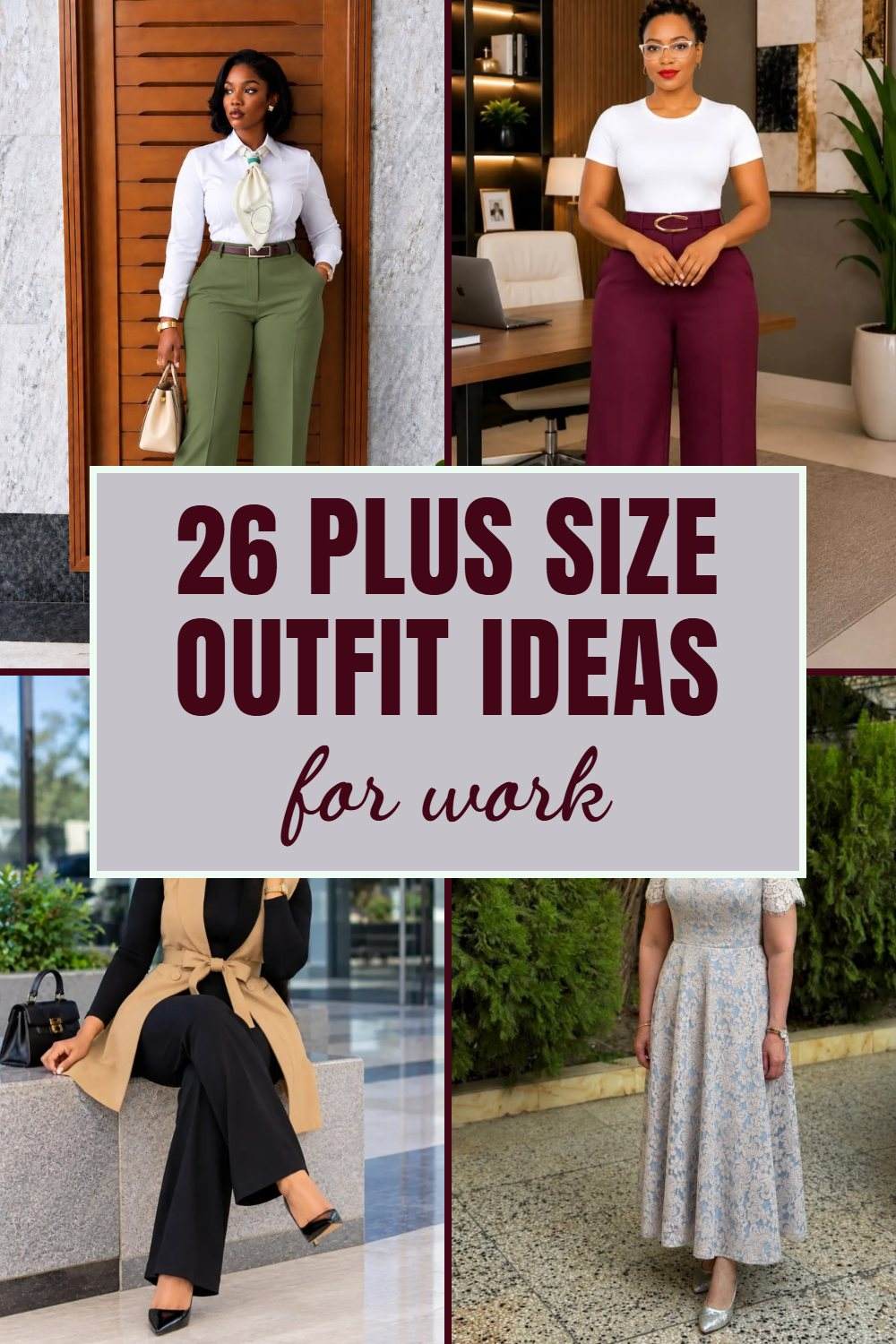
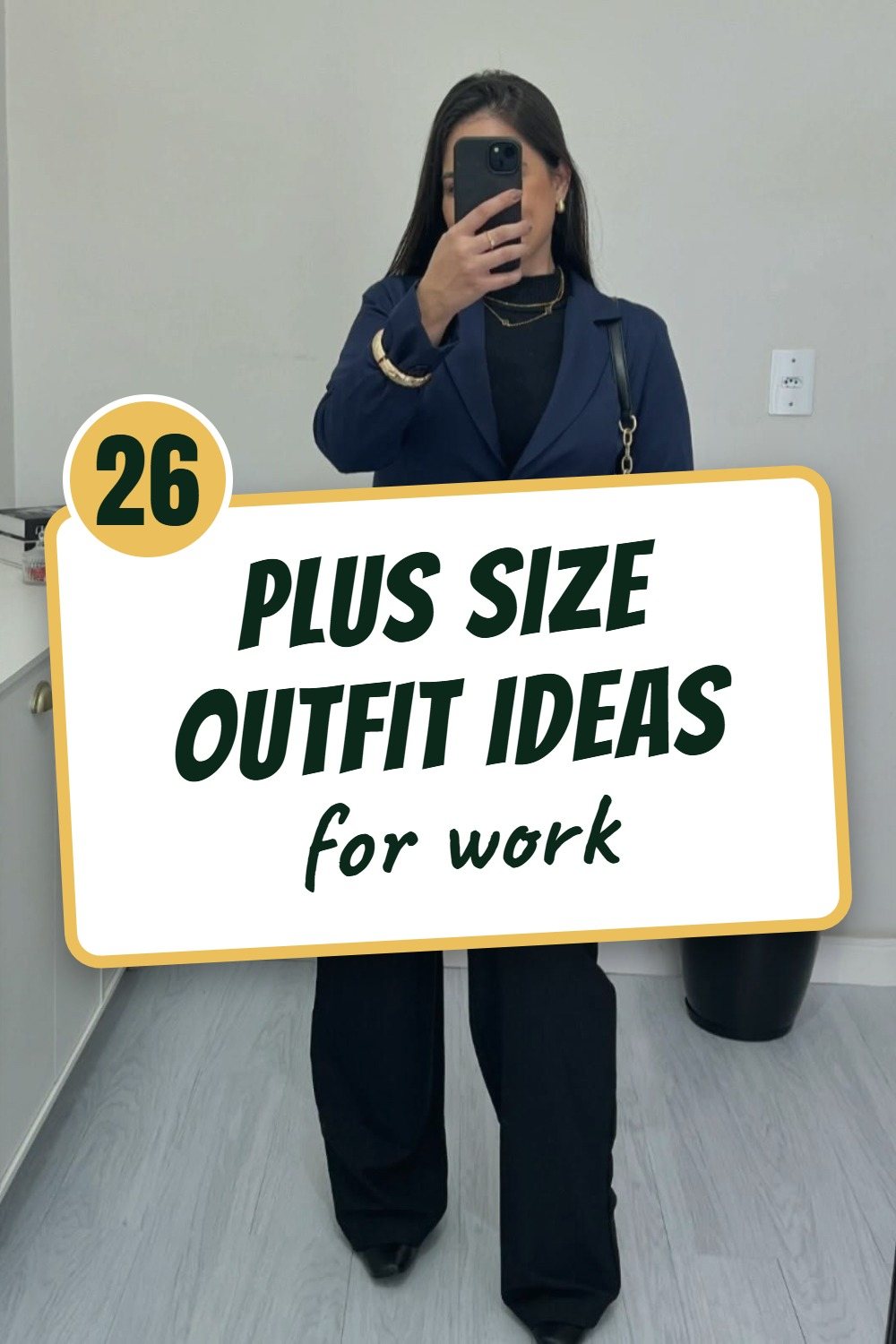
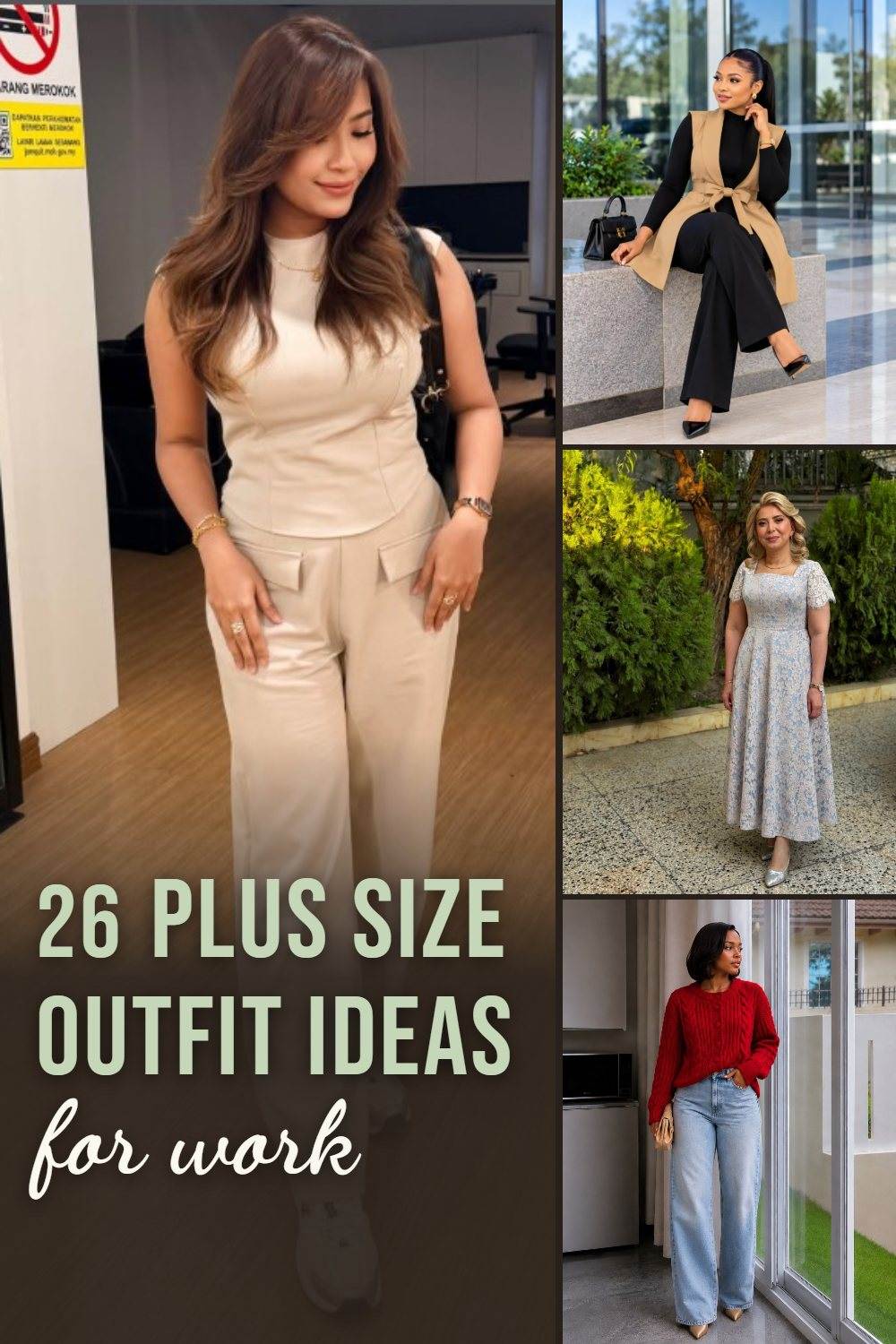
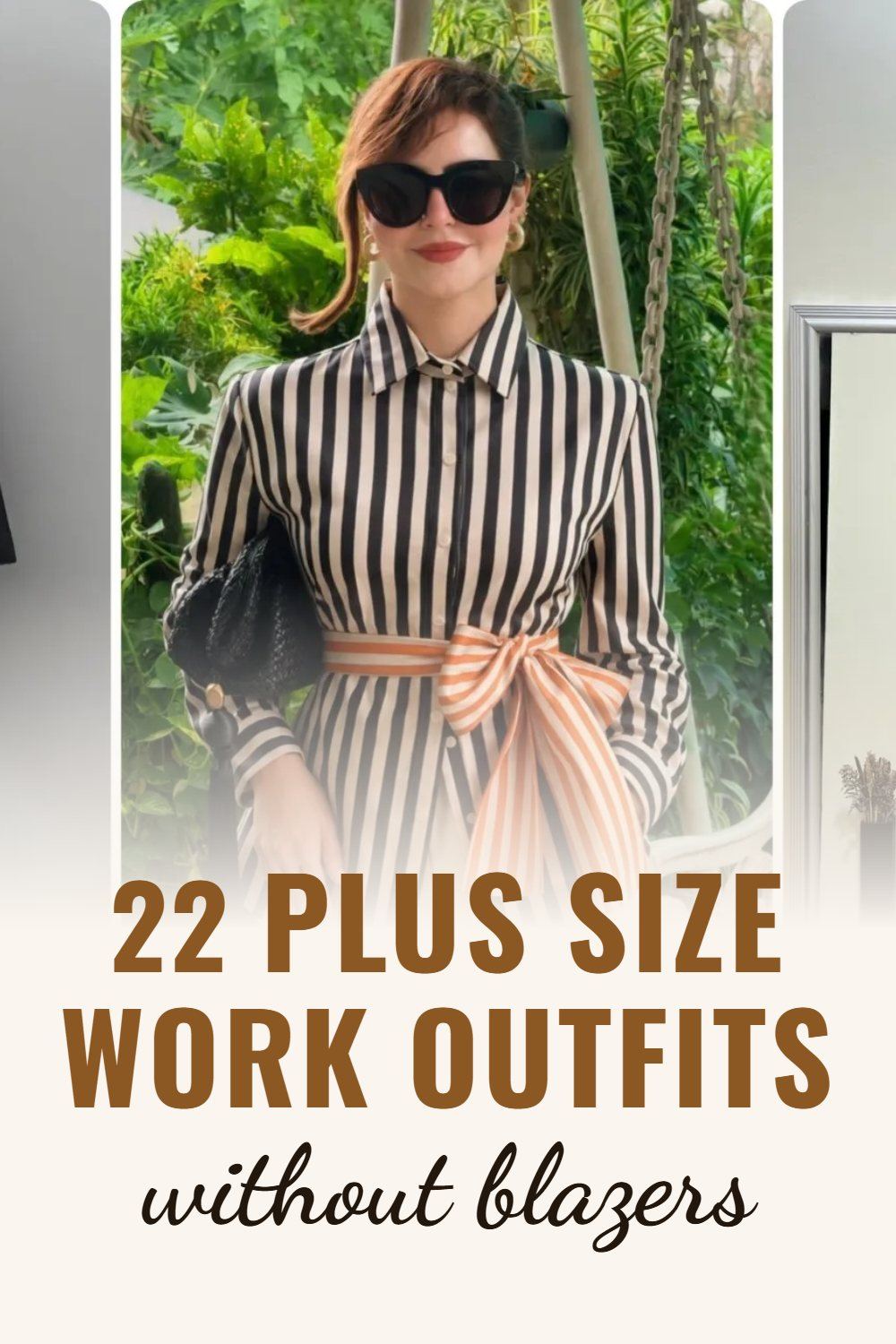
// in a pin title to start a new line, for example 26 Outfit Ideas // for Work.Bold keywordPut *stars* around a keyword, like *Work* Outfits, to make it stand out on the pin.Number titlesStart a title with a number (22 Work Outfits) to unlock number-badge templates.Paste a linkPaste a blog post link and press Enter. Studio reads the post and pulls its photos.Many pinsThe titles box takes one pin title per line, so you can make a whole set at once.RestyleOpen Library to browse Templates, Fonts and Colors, then apply them to your pins.Your photosUse Photos to add your own images by link, so every pin matches your brand.BrandSet your Button text and Website once in the brand menu. They appear on every pin.ExportDownload pins as 1000x1500 PNG, or grab the whole set as a ZIP.Title breakType // in a pin title to start a new line, for example 26 Outfit Ideas // for Work.Bold keywordPut *stars* around a keyword, like *Work* Outfits, to make it stand out on the pin.Number titlesStart a title with a number (22 Work Outfits) to unlock number-badge templates.Paste a linkPaste a blog post link and press Enter. Studio reads the post and pulls its photos.Many pinsThe titles box takes one pin title per line, so you can make a whole set at once.RestyleOpen Library to browse Templates, Fonts and Colors, then apply them to your pins.Your photosUse Photos to add your own images by link, so every pin matches your brand.BrandSet your Button text and Website once in the brand menu. They appear on every pin.ExportDownload pins as 1000x1500 PNG, or grab the whole set as a ZIP.Pin Magic reads the photos from your post and designs a pin for every template you pick. Press Enter to start.
Status, backup and library size