 Pin Magic
Video 1
How to create a Pin Magic account in 1 minute
Sign up and get your account ready, step by step.
Watch on YouTubeThe Chrome extension creates your blog images and inserts them into WordPress. Pin Magic Studio then designs ready-to-post pins from the finished post.
Preview works on WordPress blogs with public posts. For private or closed sites, use the extension.


Two short videos: create your account, then add blog images with Google Flow.
 WordPress
 Flow
 Instagram
 Pinterest
 ChromeChrome extension
The extension reads your post, makes an image for every section with Flow, and places each one in WordPress. Nothing to download, upload or drag.
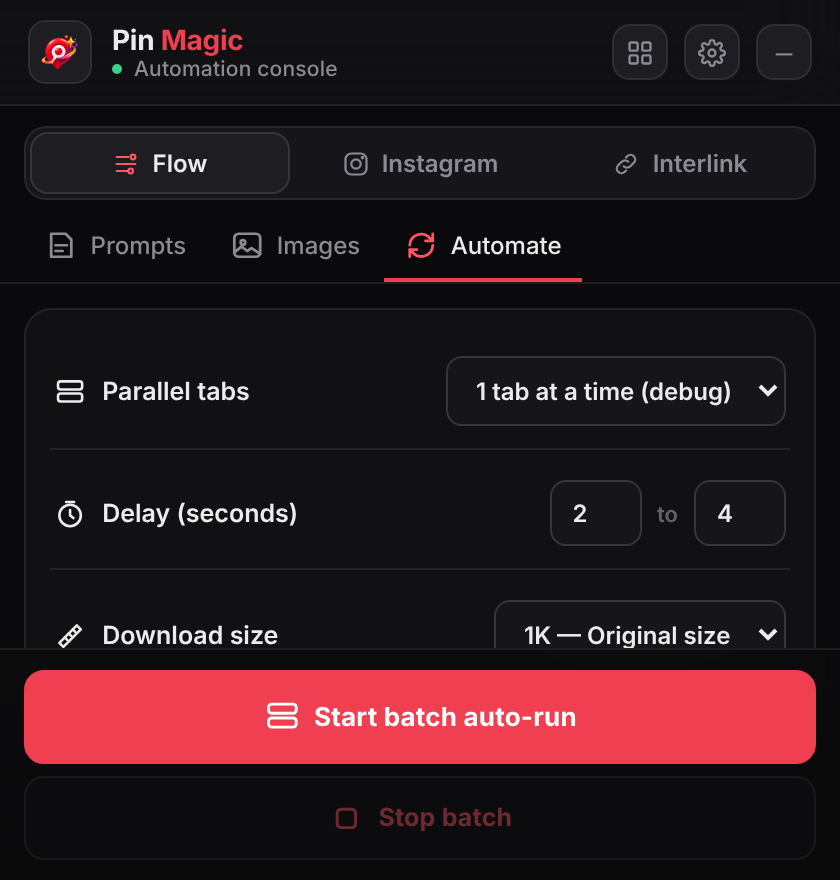 Chrome extension
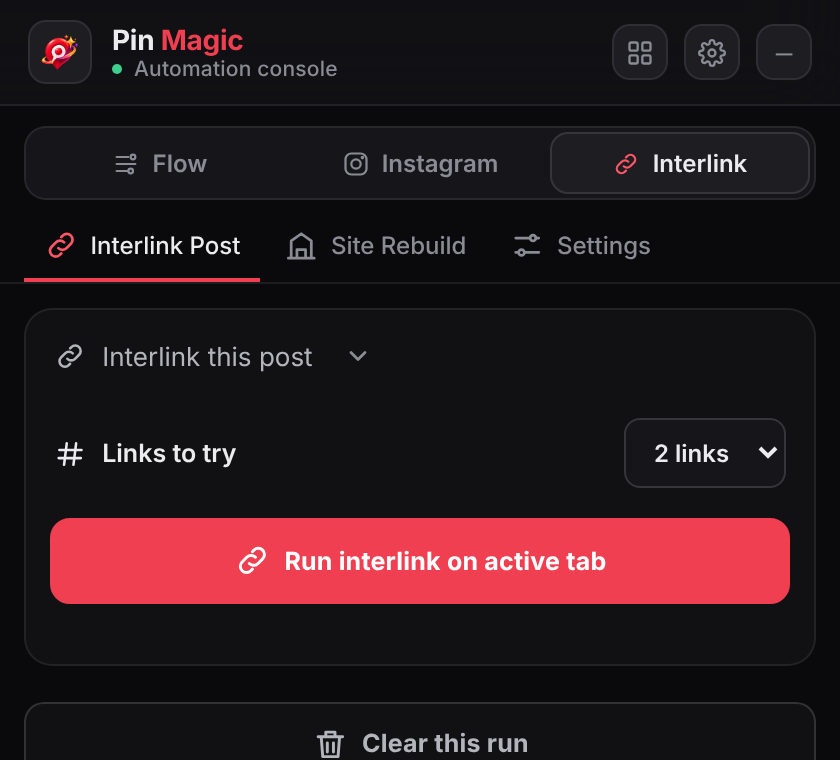
Related posts are found and linked for you, so readers and Google keep moving through your blog. When there is no good anchor text, you get a suggestion instead of a forced link.
 Pin Magic Studio
Paste a post link into Studio. It reads the photos, designs a pin for each template, and exports them at 1000×1500, ready for Pinterest.
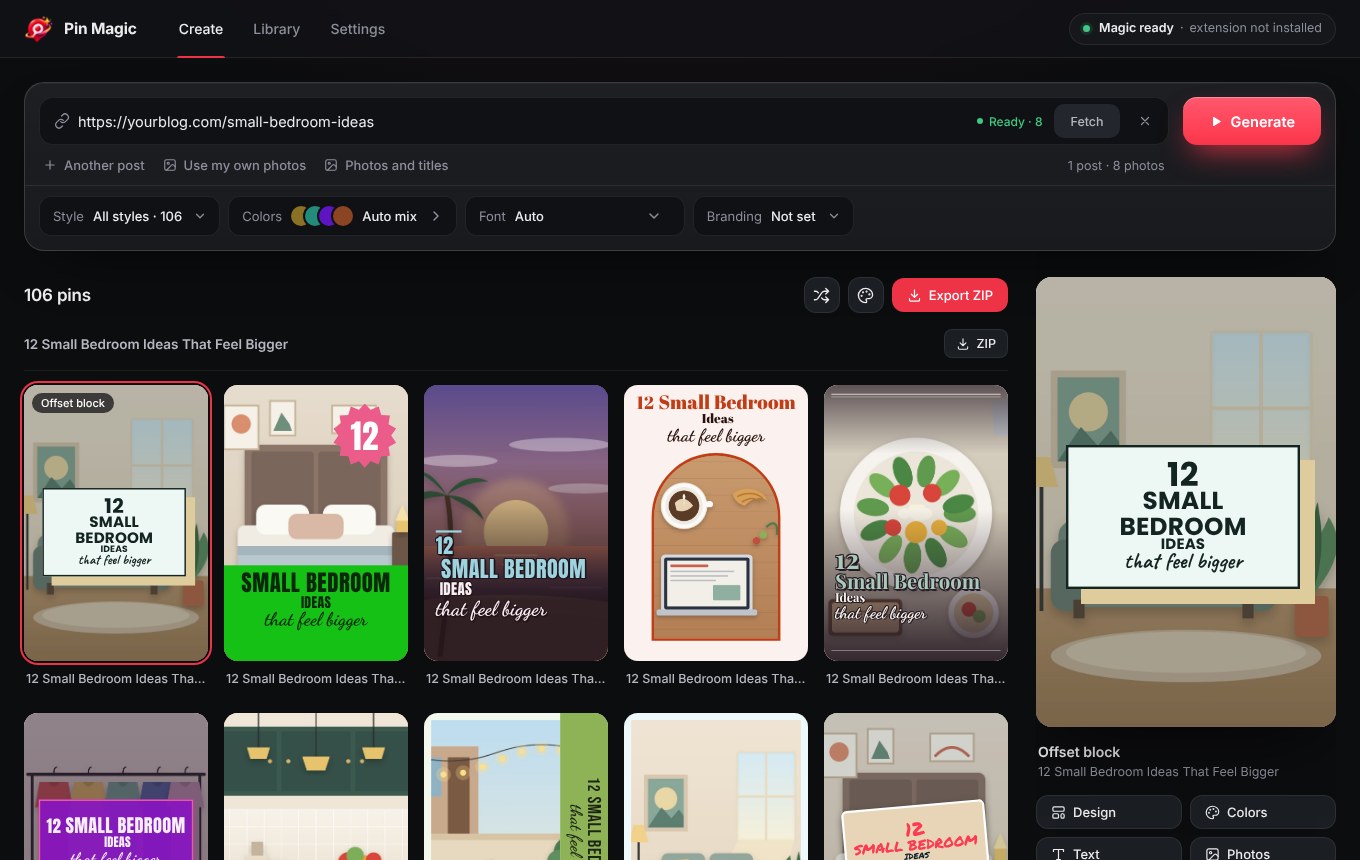
The extension does the blog work. Studio does the pins.
One image for every section of your post, made with Flow.
Images land in the right place in the editor.
Natural two to three word anchors. The same post is never linked twice.
Grab Instagram photos and add them straight into your article.
Pick a style, colours and font, or let Studio mix them.
Drop in your photos, colours and fonts for any pin.
Download every pin as a ZIP of PNG files.
The extension runs in desktop Chromium browsers.
No setup beyond installing the extension.
Sign up and your package is activated.
Add it to Chrome, Edge or Brave from your dashboard.
Paste a post link, pick a style and export your pins.
More pins, more viewers, more clicks to your blog. The numbers below are an example, not real customer results.
Example only: these are illustrative numbers, not real customer results. Your results will vary.
See what changes when the extension and Studio do the work.
Same blog post. Same pins. Less of your day.
| Task | Manual | With Pin Magic |
|---|---|---|
| Blog images | Search, design or download each one by hand | Generated automatically with Flow |
| Adding images to the post | Upload, place and caption one by one | Inserted into WordPress for you |
| Internal links | Hunt old posts and link them manually | Added automatically |
| Instagram photos | Screenshot, crop, upload | Captured by the extension |
| Designing pins | Start from a blank canvas every time | Pick from 100+ templates, paste a link |
| Pins per post | 1 or 2, if you have the energy | 10+ in minutes |
| Time per post | About 2 hours | About 10 minutes |
faster than doing it by hand
ready pin templates
manual image uploads
What bloggers say about Pin Magic.
Keywords, titles, descriptions and boards. Use them before you make a single pin.
Turn one seed keyword into long-tail Pinterest search phrases for pin titles, descriptions and boards.
Open toolFind the hashtags your niche searches for, so your pins reach new audiences.
Open toolWrite catchy, high-CTR pin titles from a keyword or a blog post title.
Open toolWrite search-friendly pin descriptions that earn more reach, clicks and saves.
Open toolPaste a basic pin description and get a keyword-rich rewrite that ranks higher.
Open toolWrite scroll-stopping captions for Idea Pins and standard pins that drive comments and saves.
Open toolCreate CTAs for pin images and descriptions that send more clicks to your blog.
Open toolGenerate search-friendly, keyword-optimised board names so your content gets found.
Open toolWrite SEO-optimised board descriptions that help boards and pins rank higher.
Open toolWrite a keyword-rich bio that attracts followers, explains your brand and converts visitors.
Open toolThe full Studio + Extension bundle, or the Extension on its own. Prices in USD or PKR.
The full blog post to pin automation
Automate your blog images
Everything to get started.
Everything you need to know.
A browser extension that generates your blog images and inserts them into WordPress, plus a Studio that turns every post into Pinterest pins.
No. The Extension is available on its own. The Studio comes with the Studio + Extension plan, which gives you the full blog-post-to-pin workflow.
The extension works in Chrome, Edge and Brave on desktop.
Create your account, then your package is activated by the admin. After that, the Studio and the extension download unlock on your dashboard.
Yes. A limited number of lifetime licences are available for the Studio + Extension plan only. See the Lifetime Deal section.
Yes. Use the USD / PKR switch in the Pricing section. Your choice is remembered.
Yes. You can drop your own photos into the Studio at any time.
See our Refund Policy page for details.